
Adaptive Mesh Refinement (AMR) is a computational technique widely used in fields like astrophysics, fluid dynamics, and climate modeling. In AMR, simulations dynamically adjust the resolution of the computational grid: areas with complex phenomena receive higher resolution, while regions with less activity use coarser grids. This approach allows researchers to capture fine details efficiently without generating unnecessarily large datasets. However, the complexity and size of AMR data make it challenging to visualize and explore in traditional 3D software.
When visualizing AMR data in 3D applications, the raw simulation grids must first be converted into formats that the software can handle, such as VDB volumes, particles, or curves. While particle representations can depict individual data points, they are often difficult to edit, shade, and manipulate for detailed volumetric visualization. Volumetric representations like VDB volumes allow for interactive exploration, slicing, procedural shading, and high-quality rendering. This makes them ideal for scientific visualization, cinematic effects, and immersive applications.
We chose Houdini as the platform for this research because it offers robust tools for working with both particles and volumes. Houdini has native OpenVDB support, which makes it easier to generate and manipulate volumetric data efficiently. Its procedural workflow allows users to slice, resample, and shade volumes, as well as simulate particle-based phenomena when needed. This combination of flexibility, performance, and interactivity makes Houdini particularly suited for exploring large and complex AMR datasets.
The goal of this research is to integrate AMR visualization into Houdini in a way that allows scientists, researchers, and artists to interactively explore and analyze simulation data. By converting AMR grids to volumetric formats and leveraging Houdini’s procedural tools, users can gain better insight into physical phenomena, produce high-quality visualizations, and even create cinematic representations of scientific simulations.
Adaptive Mesh Refinement (AMR) is a method to make simulations more efficient by using higher resolution grids in regions with complex phenomena, and lower resolution grids where things are simpler. Think of simulating a fluid: turbulent areas get finer grids while calm areas use coarse grids. This reduces computational cost while keeping accuracy where it matters.
AMR datasets consist of multiple blocks of grids at different resolutions. Each block stores values such as density, temperature, or velocity. Since the grids are not uniform, special software is needed to visualize them correctly.
You can experiment with AMR using Python-based tools like yt or pyAMR. Define your simulation domain, set initial conditions, and the solver will refine grids dynamically in regions that change rapidly. This allows you to see how refinement adapts to complexity.
Most AMR simulations can export data to HDF5 format, which organizes the grids in a hierarchical structure. HDF5 files store all the blocks efficiently and let you access only the parts you need, which is perfect for visualization.
With the HDF5 output, Python libraries like yt and h5py can convert the data into VDB volumes for Houdini. This enables interactive 3D exploration, slicing, shading, and even animation of your simulation.
Beginners can start with small toy simulations on a laptop, experimenting with 2D or 3D boxes, simple fluid or diffusion scenarios, exporting to HDF5, and visualizing in Houdini. This hands-on approach helps understand AMR and volumetric visualization workflows.
The workflow combines Python-based scientific libraries with Houdini's procedural 3D tools to achieve high-performance, interactive visualization of AMR datasets.
yt – for analyzing and processing AMR simulation data.
h5py – to read HDF5 datasets commonly used in simulations.
numpy – for numerical operations and array manipulation.
Native VDB Volumes – create volumes directly in Houdini without pyopenvdb.
Procedural Geometry & Shading – slice, resample, and apply shaders to volumetric data.
Rendering Pipeline – cinematic rendering of scientific simulations.
To process AMR datasets in Houdini, we need Python libraries like yt, h5py, and numpy.
These libraries allow Houdini to read HDF5 outputs from simulations, process array data, and generate VDB volumes for visualization.
Important: These libraries are installed inside Houdini’s embedded Python environment, not your system Python.
If you want to use pyopenvdb for additional volume manipulation, it must be built from source and is not required for the standard AMR → VDB workflow.
"C:\Program Files\Side Effects Software\Houdini XX.X.X\python39\python.exe" get-pip.py
"C:\Program Files\Side Effects Software\Houdini XX.X.X\python39\python.exe" -m pip install yt h5py numpy
/Applications/Houdini/HoudiniXX.X.X/Frameworks/Python.framework/Versions/Current/bin/python3 -m pip install yt h5py numpy
/opt/hfsXX.X.X/python/bin/python3 -m pip install yt h5py numpy
If pip is not available, bootstrap first:
/opt/hfsXX.X.X/python/bin/python3 -m ensurepip
Notes:
XX.X.X with your installed Houdini version.pyopenvdb, building from source is required. See the OpenVDB build guide.ytini method is deprecated; this pip-based installation is the recommended approach.You can start visualizing AMR data in Houdini in two ways:
yt, process arrays with numpy, and convert to VDB programmatically.The workflow allows real-time slicing, shading, and rendering of simulation volumes.

This project leverages yt for AMR dataset analysis and Houdini's native VDB tools for interactive 3D visualization. Users can explore density, temperature, velocity, or other fields volumetrically. Houdini procedural tools enable slicing, resampling, and shading directly inside the software.
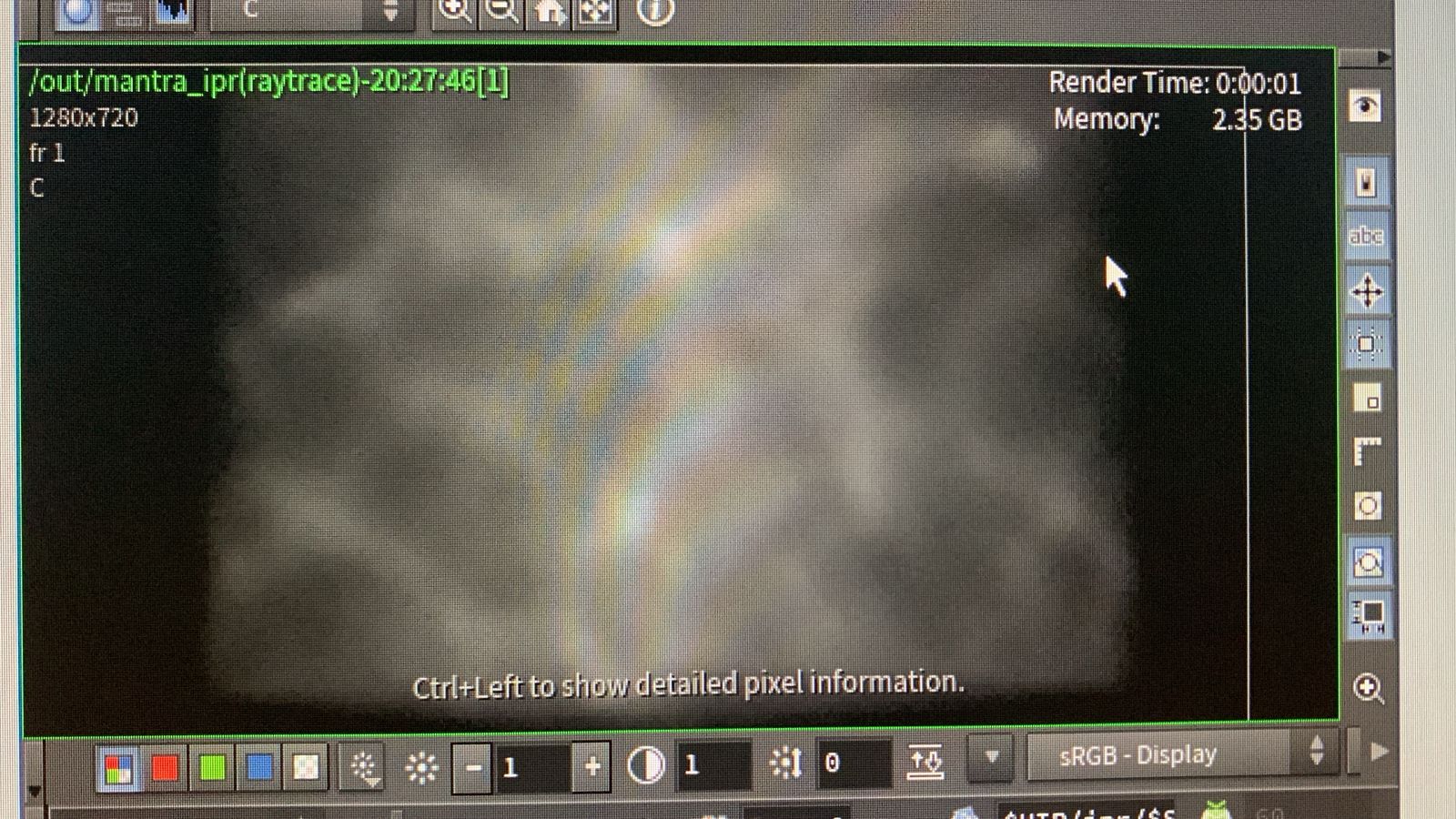
Data 1
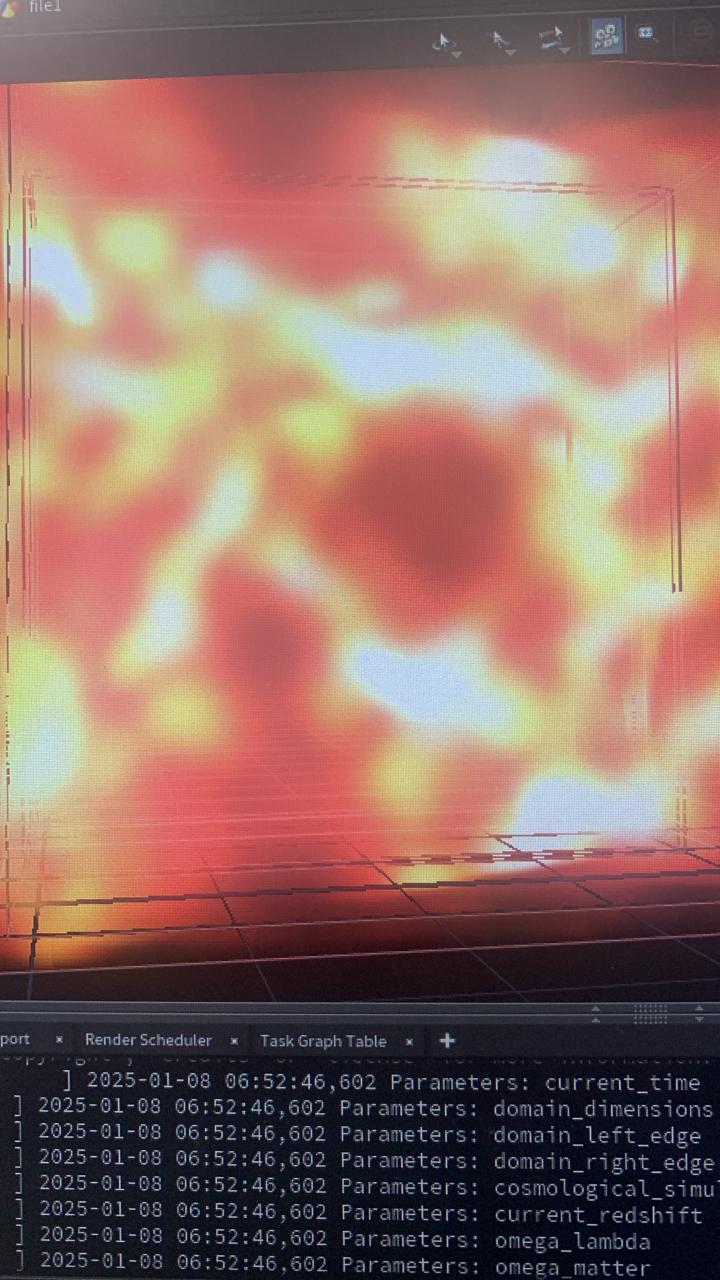
Data 2
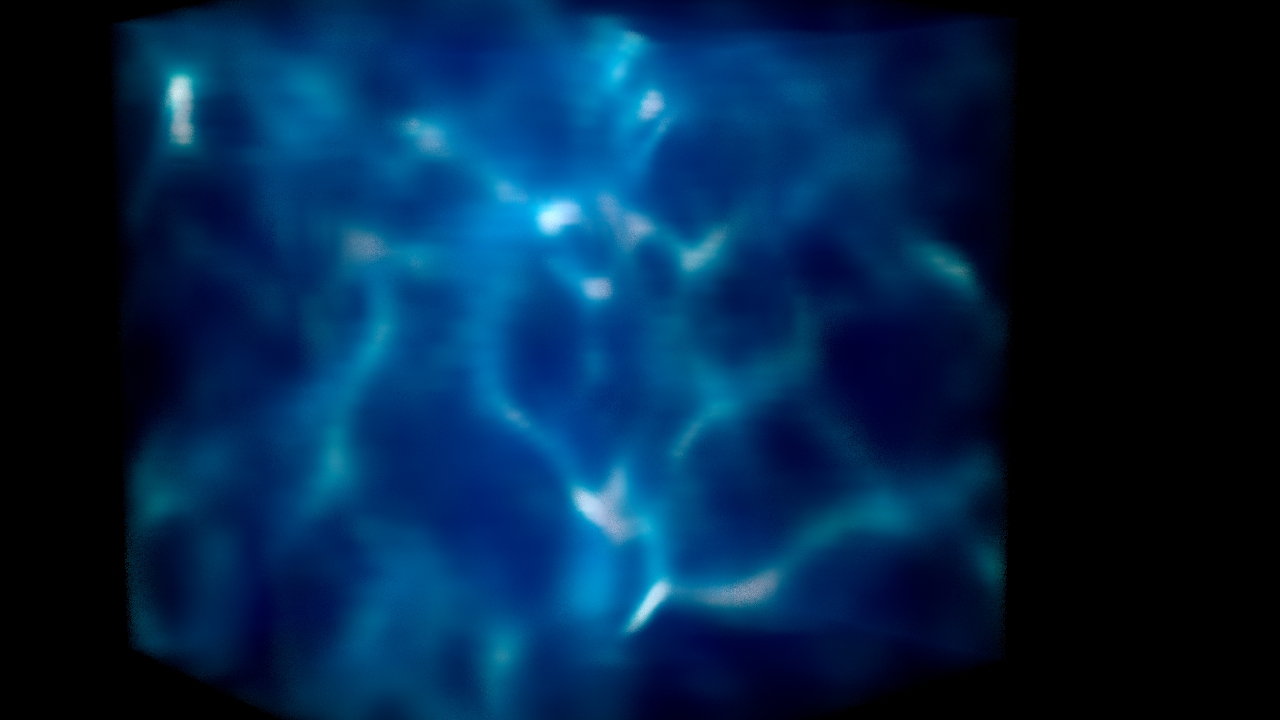
Data 3
Mantra


Below is a curated list of tools, libraries, and references useful for working with AMR datasets, volumetric visualization, and Houdini-based rendering.
Vedha Studios R&D welcomes collaboration from researchers, developers, and enthusiasts interested in advancing AMR visualization, procedural workflows, and volumetric analysis.
Contact: research@vedhastudios.ca | Visit our Research Portal